> ## Documentation Index
> Fetch the complete documentation index at: https://docs.bloomtechnologies.app/llms.txt
> Use this file to discover all available pages before exploring further.
# Welcome to Bloom
> Secure API access management for your AI agents
 ## What is Bloom?
Bloom provides secure API access management for your AI agents through integrations, scopes, and authentication. Whether you're building autonomous agents or complex AI workflows, Bloom ensures your agents can securely access external services.
Connect to external services like OpenAI, GitHub, Slack, and more
Define fine-grained access permissions for API endpoints
Manage AI agents and assign them specific scopes
## Quick Start
Go to the Integrations tab and add a service (e.g., OpenAI, GitHub). Configure your API credentials securely.
Admin access required
Create scopes in the Scopes tab to define which HTTP methods and API paths your agents can access.
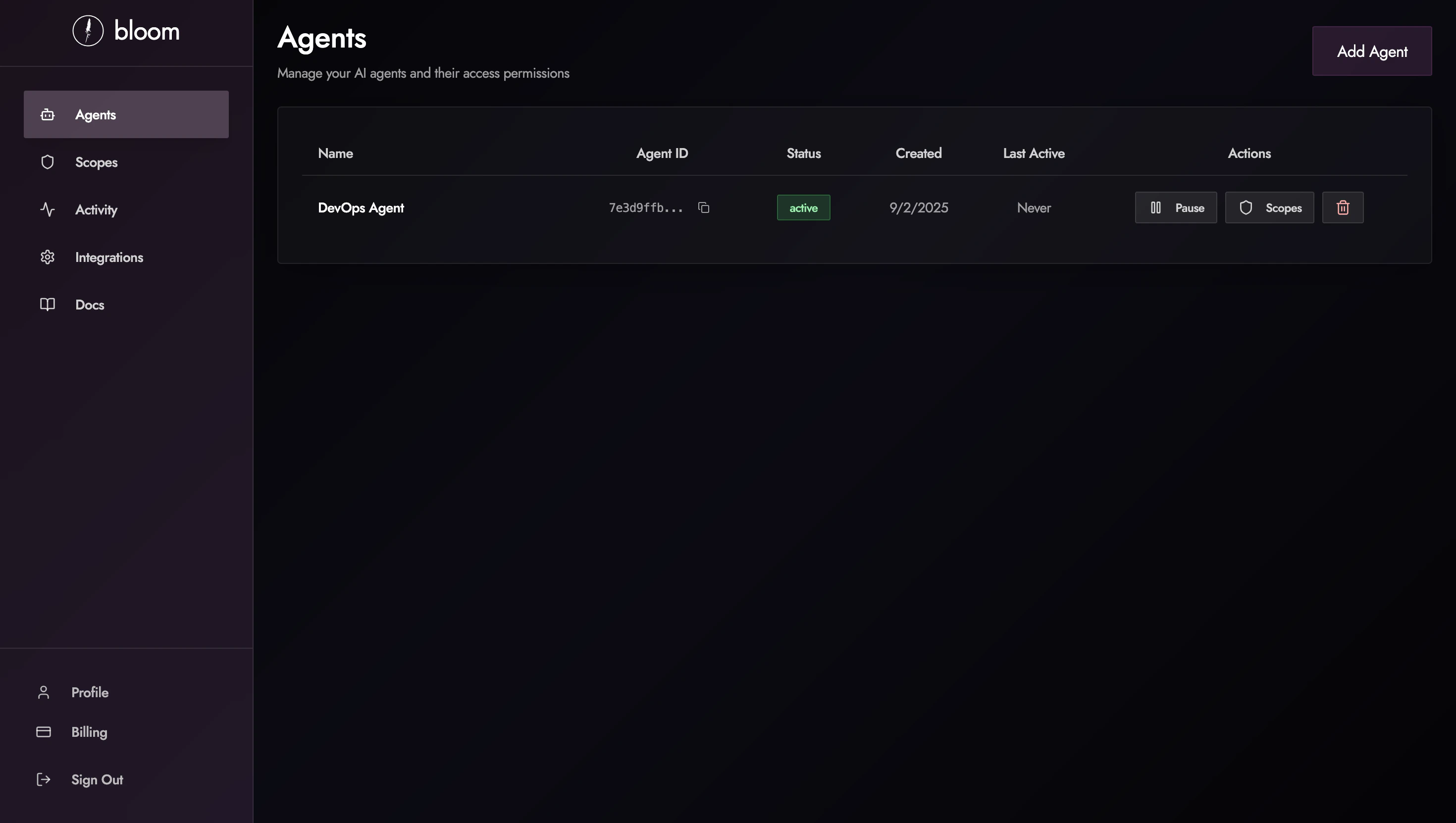
Add an agent in the Agents tab and assign it the appropriate scopes for the services it needs to access.
Implement the agent in your application using our proxy API or MCP server integration.
## What is Bloom?
Bloom provides secure API access management for your AI agents through integrations, scopes, and authentication. Whether you're building autonomous agents or complex AI workflows, Bloom ensures your agents can securely access external services.
Connect to external services like OpenAI, GitHub, Slack, and more
Define fine-grained access permissions for API endpoints
Manage AI agents and assign them specific scopes
## Quick Start
Go to the Integrations tab and add a service (e.g., OpenAI, GitHub). Configure your API credentials securely.
Admin access required
Create scopes in the Scopes tab to define which HTTP methods and API paths your agents can access.
Add an agent in the Agents tab and assign it the appropriate scopes for the services it needs to access.
Implement the agent in your application using our proxy API or MCP server integration.